CDesp

Forum Replies Created

Viewing 10 replies - 1 through 10 (of 10 total)
  • Author
    Replies
  • in reply to: Newbrain Storage Device #3631
    CDesp
    Keymaster
    Topic Author
    • Topics: 15
    • Replies: 13
    • Total posts: 28
      Up
      0
      Down
      ::

      It has been a while since i tampered with this, so i will have to look at it. The arduino code does not let you set a filename though yet.

      After i looked into it by saving on device 9 (RS232) newbrain expects only the required parameters from serial transmition so just a number for transmition or two numbers seperated by ‘R’ to set the transmit and receive baudrate and nothing else. So it is not possible to set the file name in one command BUT it should be possible to issue a new command by sending something like PRINT#9,”rFilename” to rename the last saved file. That requires changes to the Arduino code.

      in reply to: Newbrain memory replacement #3628
      CDesp
      Keymaster
      Topic Author
      • Topics: 15
      • Replies: 13
      • Total posts: 28
        Up
        0
        Down
        ::

        Sorry for the delay.

        You can’t add more ram (or actually you can but it will not work) without also change the code in roms. If you want to run CP/M with more ram you need the expansion box because it contains new roms (and more ram) that support paging so you can access the extra RAM.

        So the short answer adding more ram does not make it available to the system like PCs.

        in reply to: Newbrain Storage Device #3627
        CDesp
        Keymaster
        Topic Author
        • Topics: 15
        • Replies: 13
        • Total posts: 28
          Up
          0
          Down
          ::

          User simmo1010 asked

          I haven’t worked out how to save files from the NewBrain to the SD card – I get error 120 – “Syntax error in baud rate parameter string”. Is there some other command I should be using on the NewBrain (other than poke 19,9: save “filename”)?

          Expected baudrate is 9600bps and it works on my Newbrain but maybe some roms have another default value, i ‘ll have to check this out.

          Also if you want to save to this device you must first press the ‘REC’ button (the 1st one) on the device and then issue the command Save “A_filename.bas”.

          If you want to load a file you must first issue the Load command and then press the ‘PLAY” button on the device.

          Of course you should set the default device to 9 with Poke 19,9 prior to any Load, Save, Openin, or Openout commands.


          in reply to: Power Supply Dual Cap Replacement #3577
          CDesp
          Keymaster
          Topic Author
          • Topics: 15
          • Replies: 13
          • Total posts: 28
            Up
            0
            Down
            ::

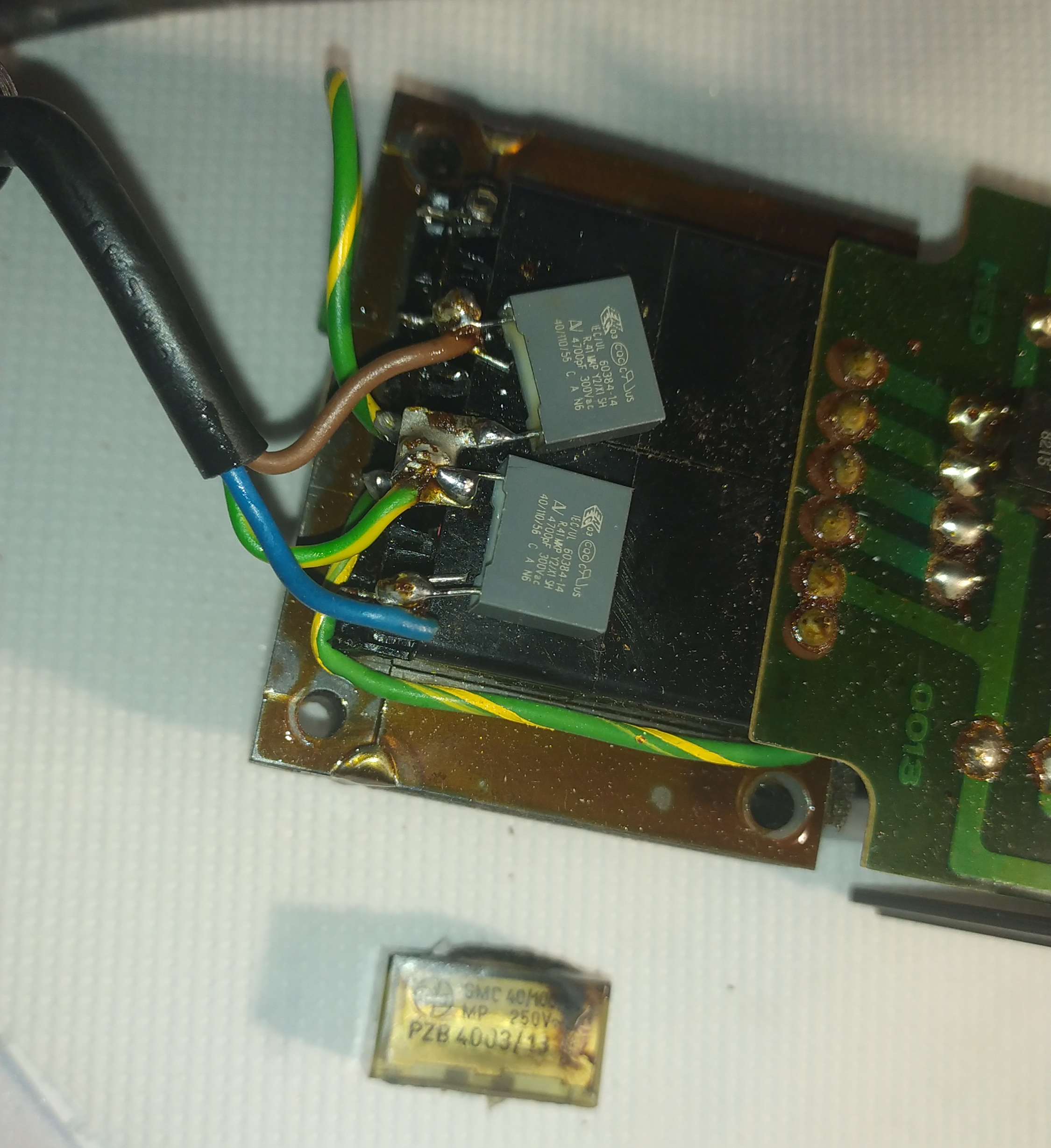
            Power Supply is working again.

            I replaced the original with two of these KEMET AV MKP R41 4700PF.

            in reply to: Happy New Year #3488
            CDesp
            Keymaster
            • Topics: 15
            • Replies: 13
            • Total posts: 28
              Up
              0
              Down
              ::

              Happy New Year to all !!!

              in reply to: ‘installing’ the emulator #3344
              CDesp
              Keymaster
              • Topics: 15
              • Replies: 13
              • Total posts: 28
                Up
                0
                Down
                ::

                When you say on drive c: i suppose you mean in a directory.

                Try using a directory name without spaces and see what happens. I just put it on a NBEMU3 directory on drive c: and it works as expected.

                in reply to: Software #3342
                CDesp
                Keymaster
                • Topics: 15
                • Replies: 13
                • Total posts: 28
                  Up
                  0
                  Down
                  ::

                  Hi,

                  You can load Newbrain disc (not tape) files via RS232 from a PC using the newbrain emulator or the PC2NB application.


                  in reply to: Newbrain Signals #3332
                  CDesp
                  Keymaster
                  Topic Author
                  • Topics: 15
                  • Replies: 13
                  • Total posts: 28
                    Up
                    0
                    Down
                    ::

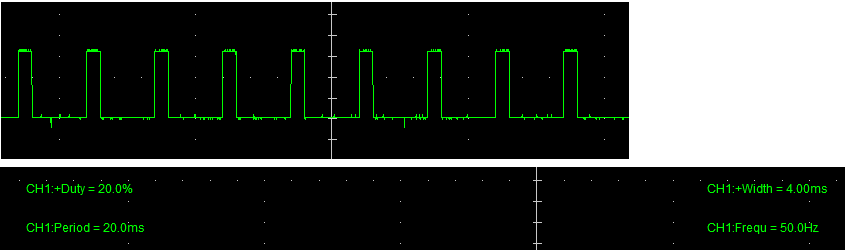
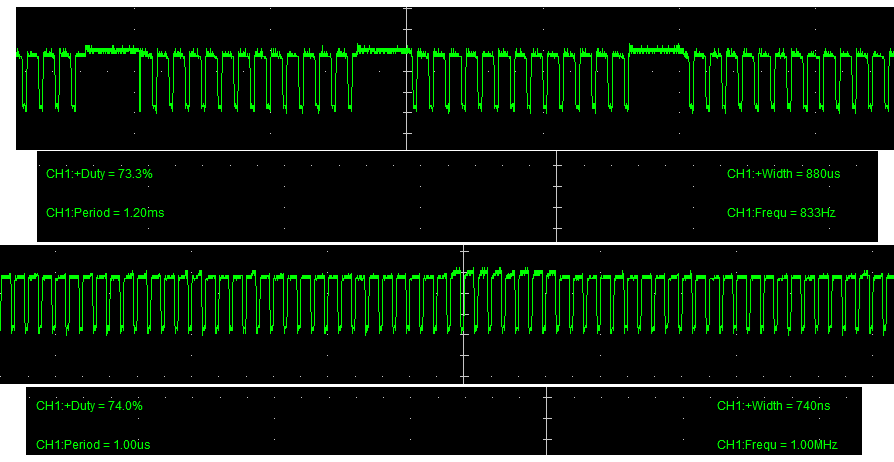
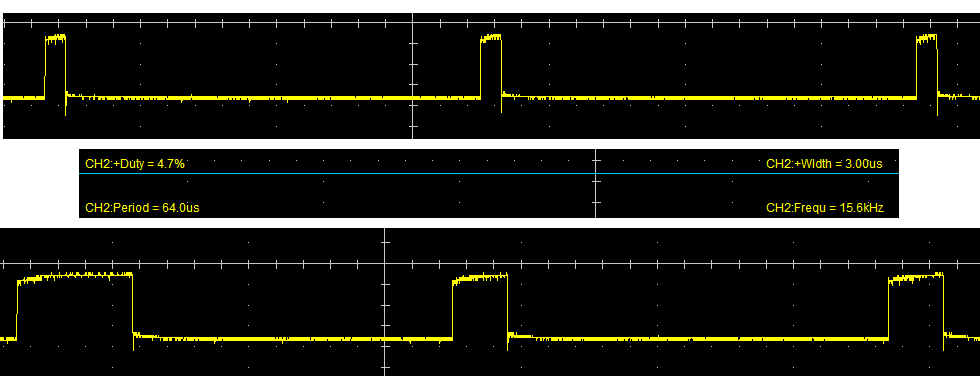
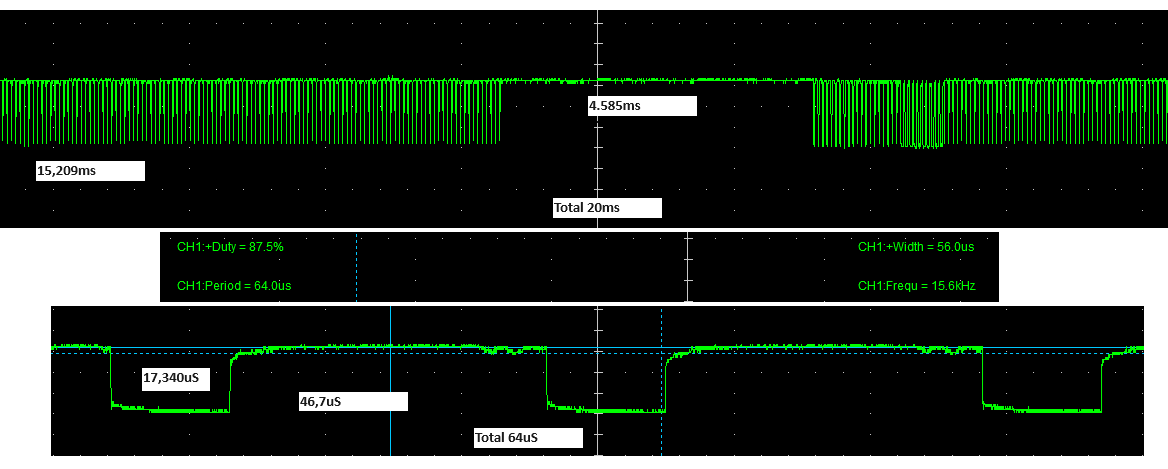
                    IC450 pin 4 nFRM

                    nFRM

                    IC461 pin 1 nRSTFRM

                    IC463 pin 3 t141 to FP

                    IC471 pin 12 FP

                    SB_IC418 pin3 nTVRQP


                    SB_IC419 pin3 TVAD

                    SB_IC419 pin6 nCPQRG

                    SB_IC420 pin11 TVCLK

                    SB_IC422 pin6 TVSD

                    SB_IC423 pin3 nBUSRQ

                    • This reply was modified 1 year, 7 months ago by CDesp.
                    in reply to: Fixing a Newbrain – Problem with the video #3316
                    CDesp
                    Keymaster
                    Topic Author
                    • Topics: 15
                    • Replies: 13
                    • Total posts: 28
                      Up
                      0
                      Down
                      ::

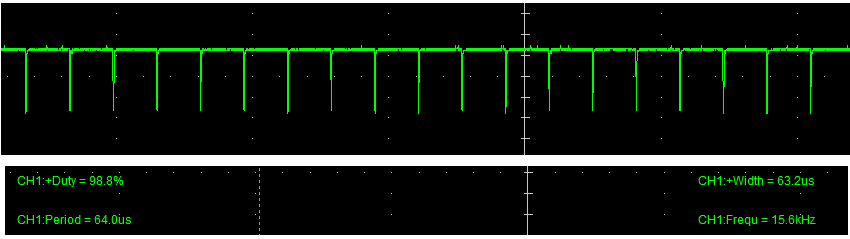
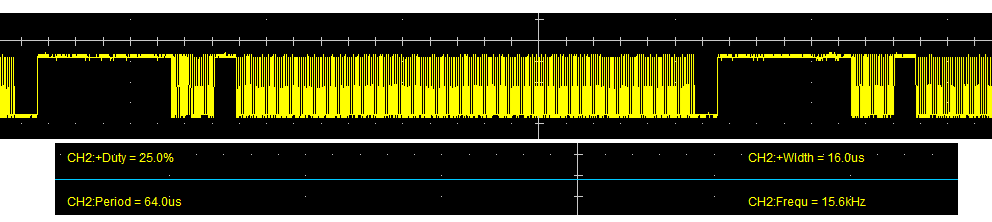
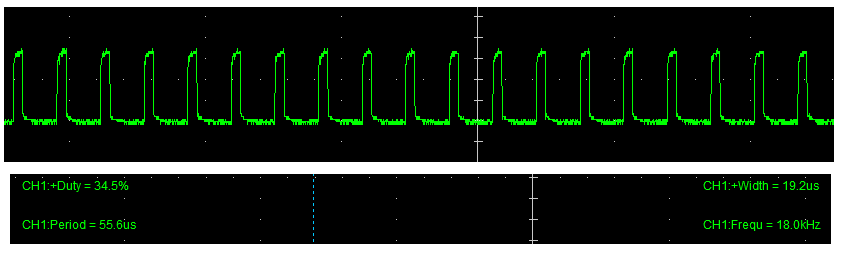
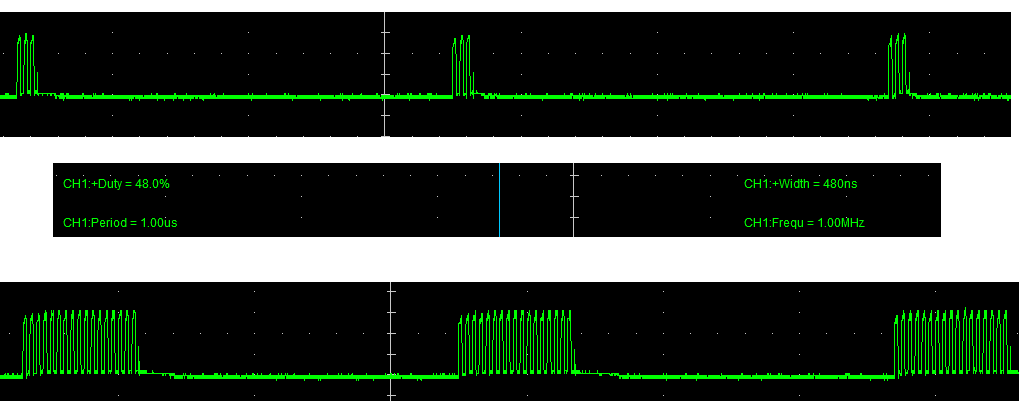
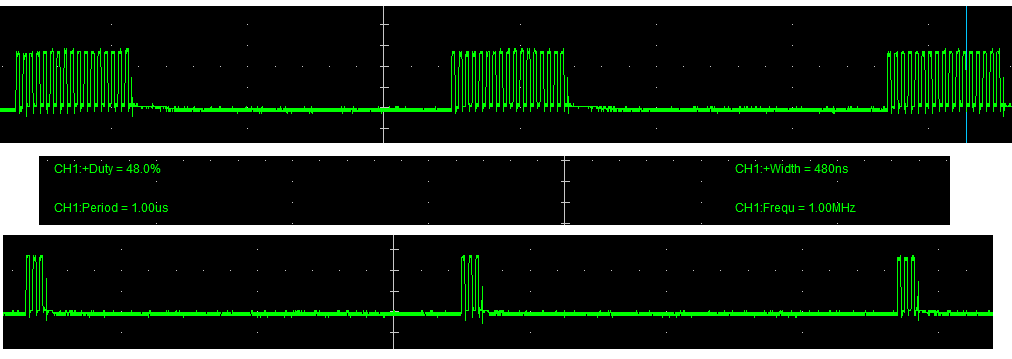
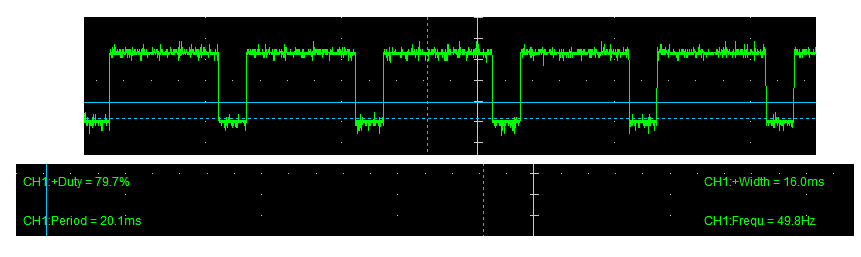
                      I finally fixed it. It was the FRM signal it didn’t propagate from IC 451 Pin 4 to IC 419 on Storage Board Pin 5. I thought that since the graphics worked it should be an IC that has the ~GR signal in the inputs and that one is the 419 on Storage Board, it is an AND with ~GR and FRM as inputs so from there it was easy to trace the problem.

                      I traced it from Pin5 right under the cop420 ic419 on MB but then i couldn’t see where the problem was so i soldered a small jumper cable between IC451 Pin 4 and the via under the Cop and filckering went away.

                      in reply to: Creating WAV files for physical NewBrain #3263
                      CDesp
                      Keymaster
                      • Topics: 15
                      • Replies: 13
                      • Total posts: 28
                        Up
                        0
                        Down
                        ::

                        The simplest way to transfer files from the PC to the real Newbrain is through serial rs232.

                        Then you can send the files from the NB Emulator, using device 9 (serial rs232), Use poke 19,9 to have this as your primary storage device.

                        Load a program to the emulator. then type load to the real newbrain and save to the emulator (on that order) and it should load the program from the emulator.

                        If you want to have the programs on tapes you can then save the files to a tape from the real newbrain. (poke 19,1 to restore tape storage)

                        More on serial cable see here https://newbrainemu.eu/download/newbrain-serial-cable/

                      Viewing 10 replies - 1 through 10 (of 10 total)