


This is an update log on the development of the z80 computer emulator.
Info: https://newbrainemu.eu/2025/12/14/atlas-z80-computer-emulator/
Github: https://github.com/cdesp/Z80_SBC
12/6/2026
You can see some jumper cables because the 16 bit voltage translators 74LVC16245 work with reversed the directional pins compared to the 74LVC4245(8 bit ones) and i didn’t RTFM so i had to reverse 3 pins to make it work as expected.
So far i manage to have
- the serial RS232 working via a USB-C connection to my PC at 115200bps.
- The 1MB SRAM
- The FPGA has 8KB internal RAM that i currently use to load z80 code to boot.
13/6/2026
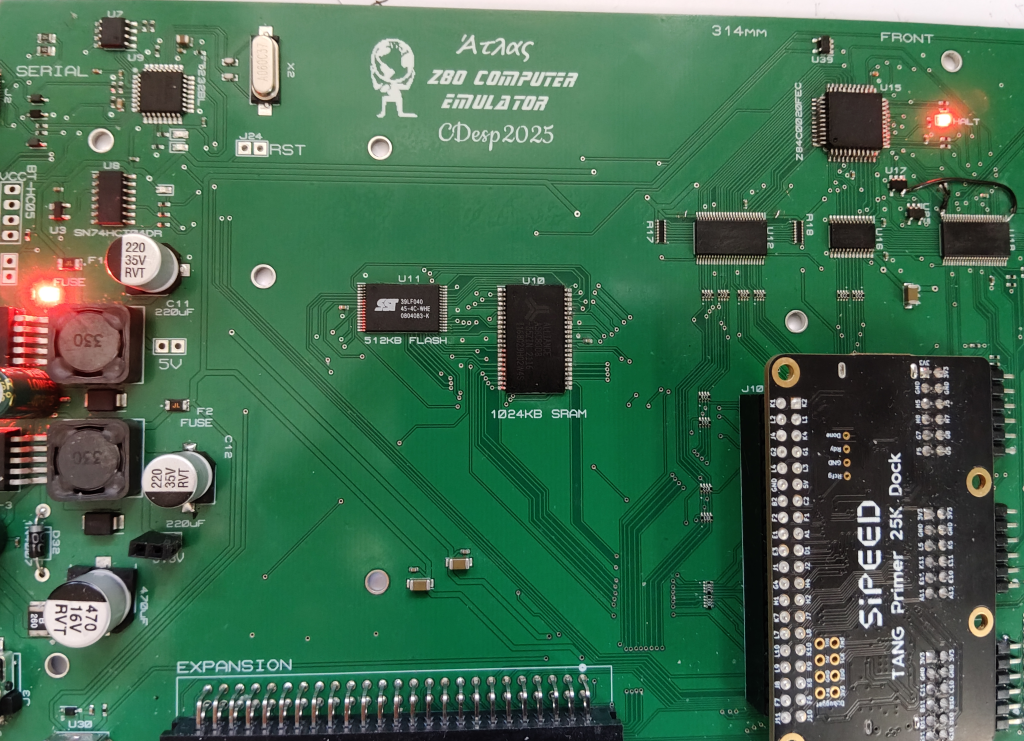
- The Flash Ram works i got the id 0xBF,0xDF (SST39LF040)
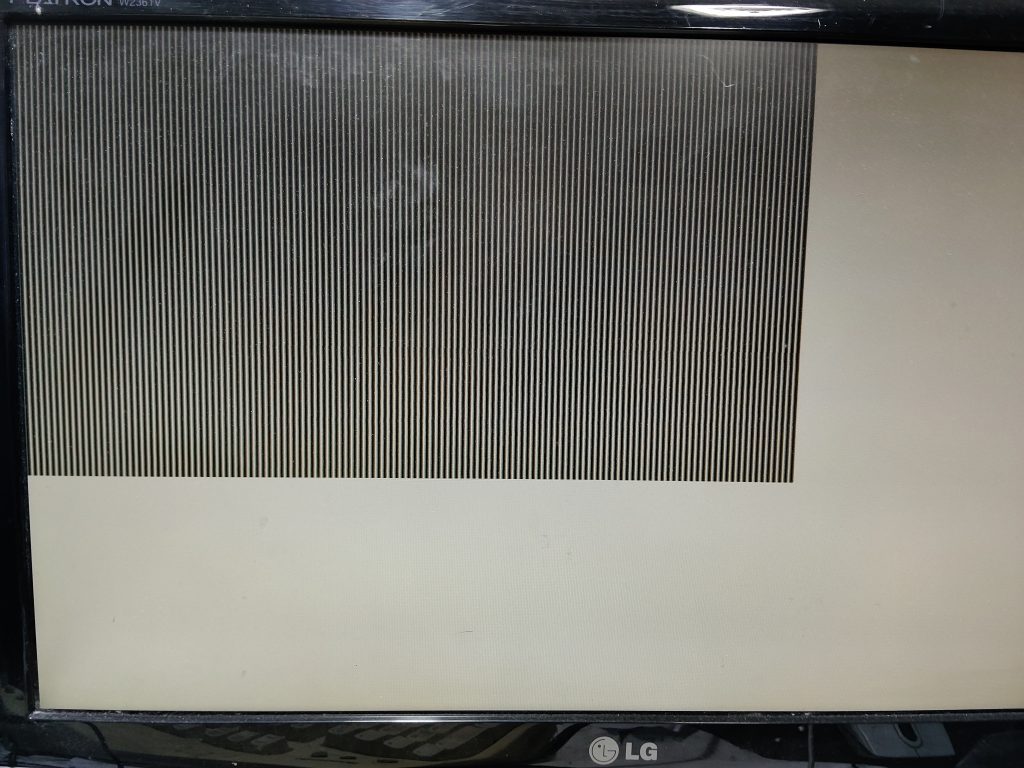
- Video signal works from HDMI output. I am using an HDMI to VGA converter.
22/6/2026
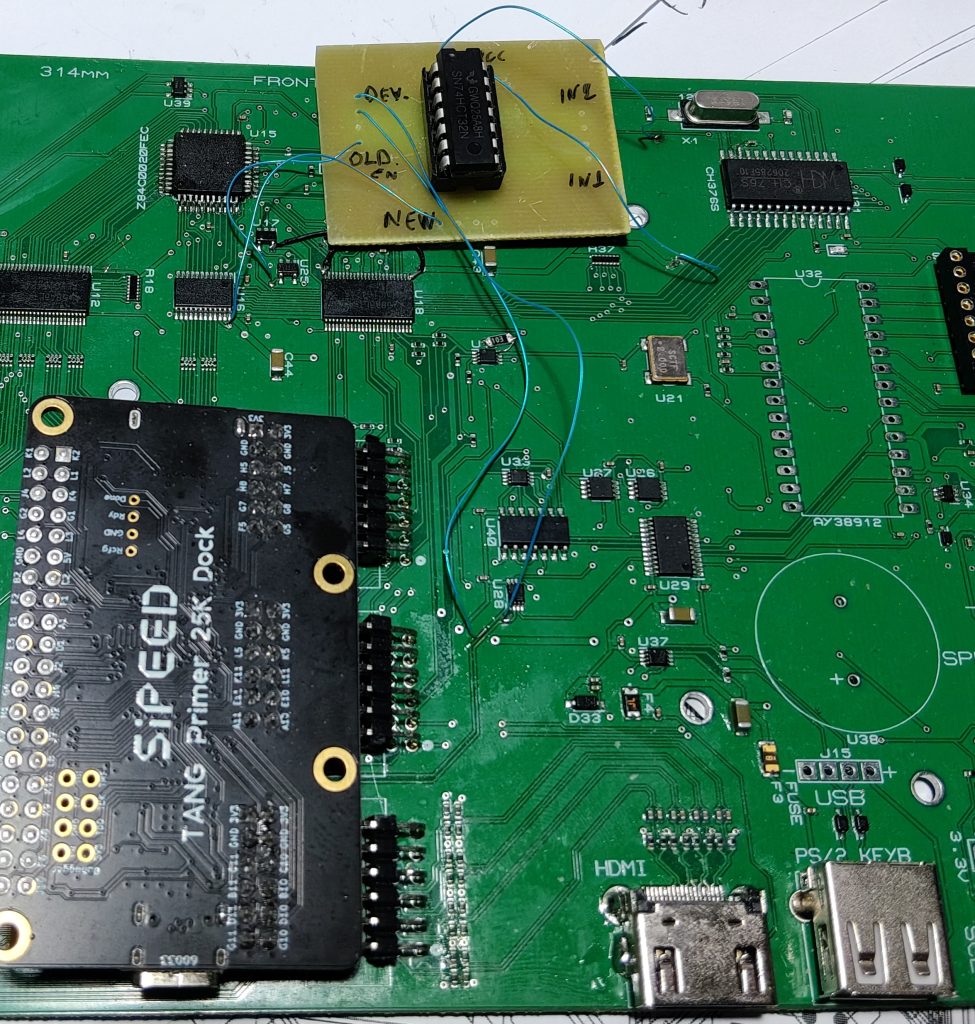
Fixing the databus enable signal for the databus voltage converter. I had to use a 74hct32 ic to include the 3 devices that are accessed by the z80 directly (ch376s, AY38912 and SN76489).
I am currently working on the usb storage device (CH376s) so i can read files from there.
24/6/2026
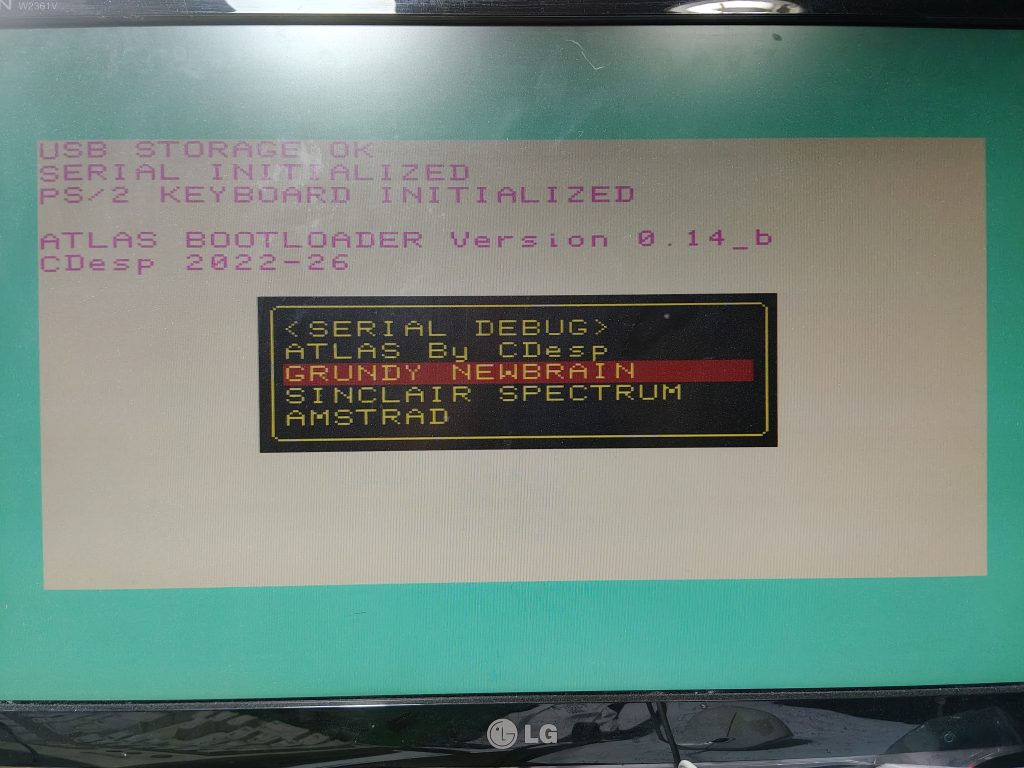
Developing is going great. Storage device is working and the Video signal is ok for the default screen 320x200x4 of the bootloader.
27/6/2026
Ps/2 Keyboard via usb is working
Also i can send commands to the keyboard like to turn on the num lock or scroll lock or both.

2/7/2026
I2C communication is ok. I manage to control the LCD16x2 via i2c serial interface and also a DS1307 setting and reading the date time.
3/7/2026
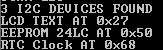
Scanning the i2c bus for devices and printing the results.
4/7/2026

SN76489 is working. I had to change some signals on the pcb, because the SN74LVC3G04DCUR inverter has 2 inputs on one side and one on the other and I (again) didn’t RTFM so i connected all inputs on the one side and outputs on tthe other.
Sample music
So all the hardware is working except the ay38912 that i haven’t tested yet but for now i ll leave it for future work.
I am also printing the case, more info soon.
19/7/2026
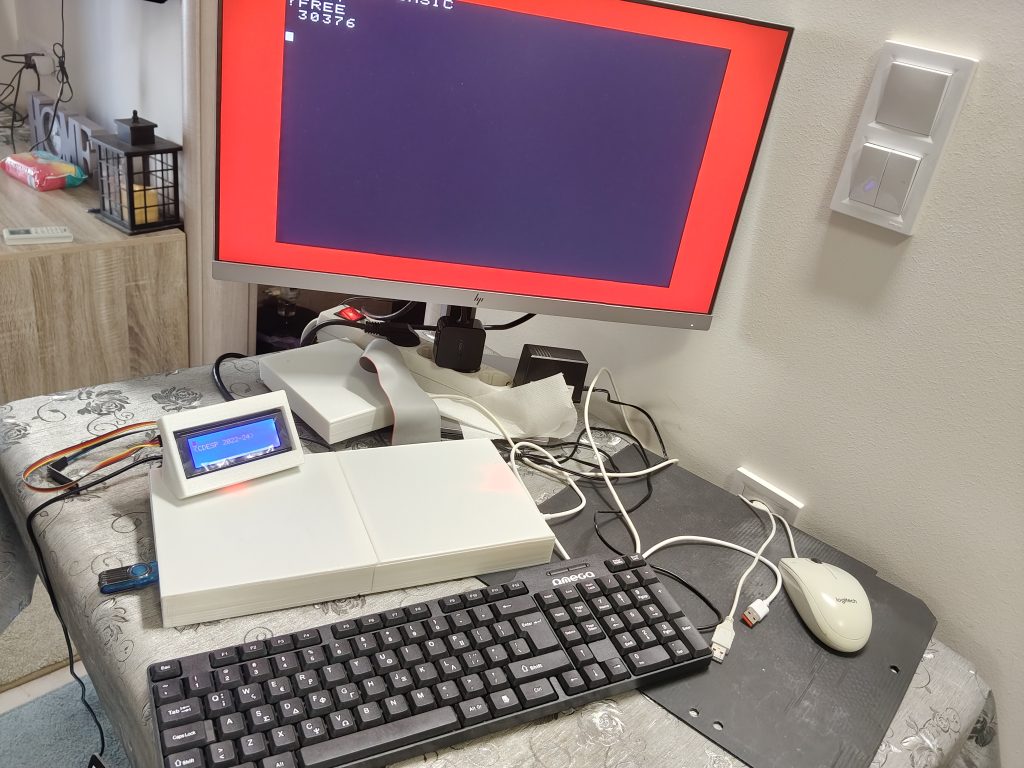

My 3d printed case for the Atlas Z80 Computer Emulator. On the back you can see the Flash Ram programmer connected to the 50 pin expansion port.
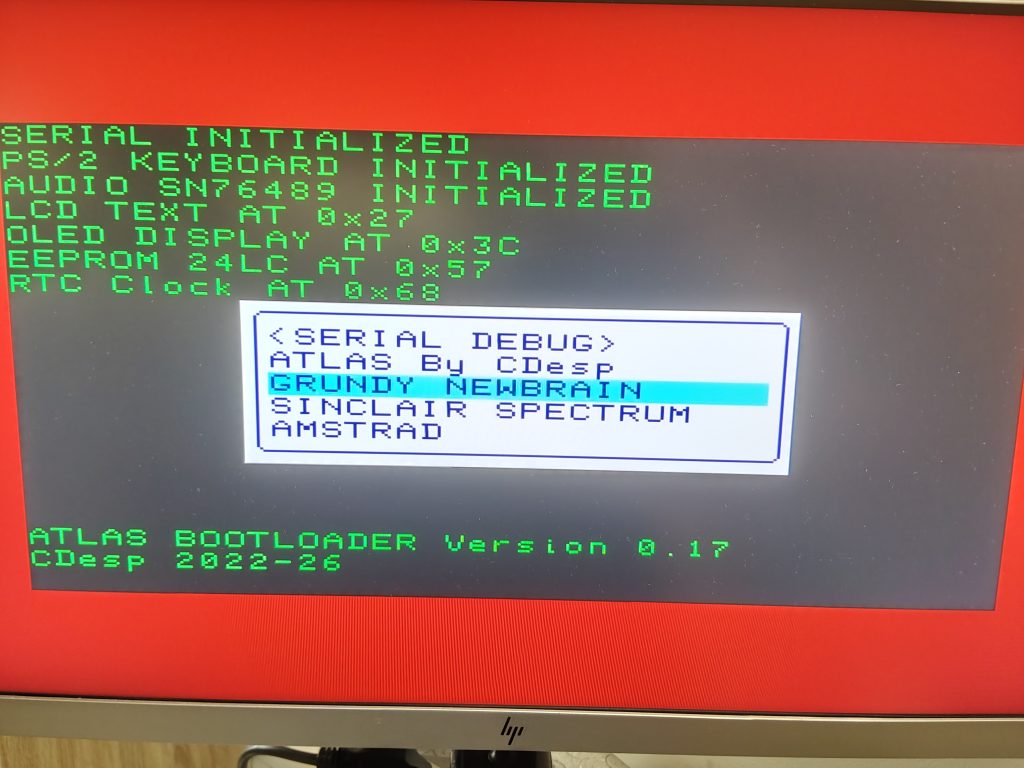

1st system Grundy Newbrain working as expected.
21/7/2026


Atlas computer is working – Only VGA support, LCD1963 support removed.
24/7/2026


ZX spectrum 48K working.
3/8/2026

Amstrad CPC464 working.
I had a lot of problems with this one, i lost 4 days trying to make it work with basic 1.1, but that one was made for use with newer models like 6128, so after 4 days i realized that i was using the wrong version, When i swiched to version 1.0 everything was ok.
Anyway something good came out also, i made a debugger that you can invoke by pressing F2 at anytime and at any system. It’s basic for now but the hard work is done and i can run other programs too by pressing other keys (F1,F3,F4,..) .
Atlas and Newbrain are full functional meaning you can load and save to the flash drive.
So coming next is to make the other two ZX Spectrum and Amstrad CPC464 to load and save too. Also sound on these two are not working, Newbrain does not suport sound. Atlas is working.
5/8/2026
Bluetooth module working. Just set the side switch to BT insert the Bluetooth module (BT-04 BT-06 RF Wireless Bluetooth Transceiver Slave Module RS232 / TTL to UART converter and adapter for arduino HC-06/hc-05)
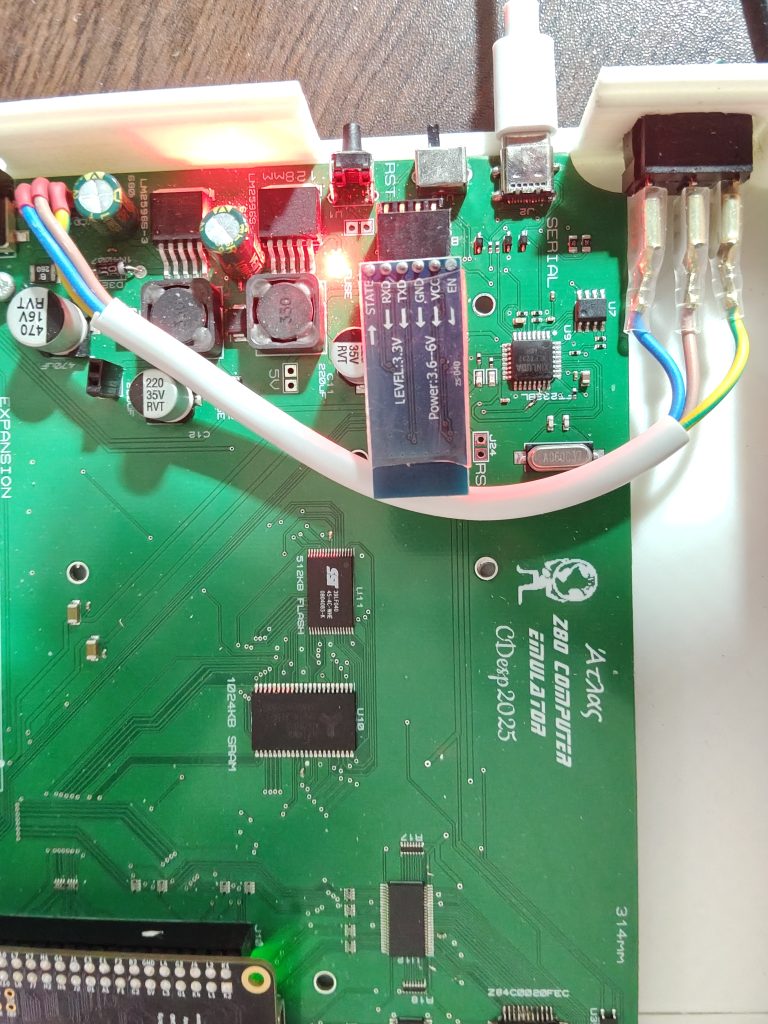
You must set the buadrate at 115200 using at commands. Default AT baud: 9600. AT+BAUD8 is the correct command for changing the baud rate to 115200.
I used an esp32 to set it but you can use any microcontroller just be aware that the module pins are 3.3v not 5v as the vcc pin. Also in order to set it to AT Mode you must apply 3.3v at the EN pin before powering the module.
16/8/2026
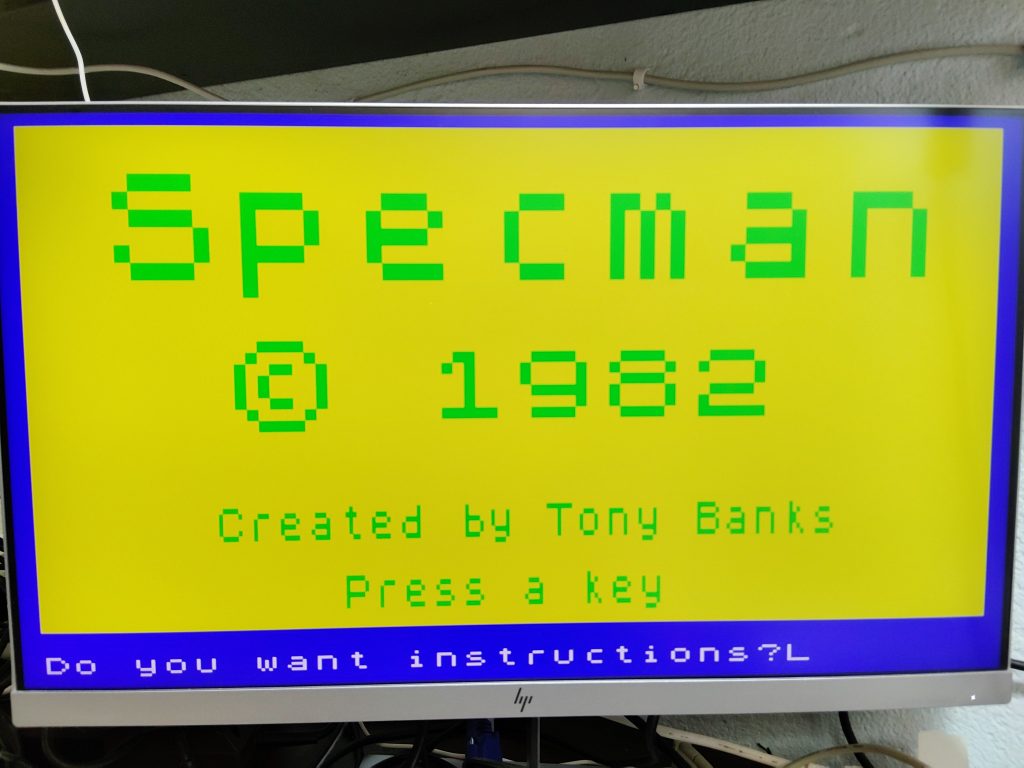
ZX Spectrum loading works. (the filename is fixed. but i’ll implement a menu to choose the file soon)
18/8/2026
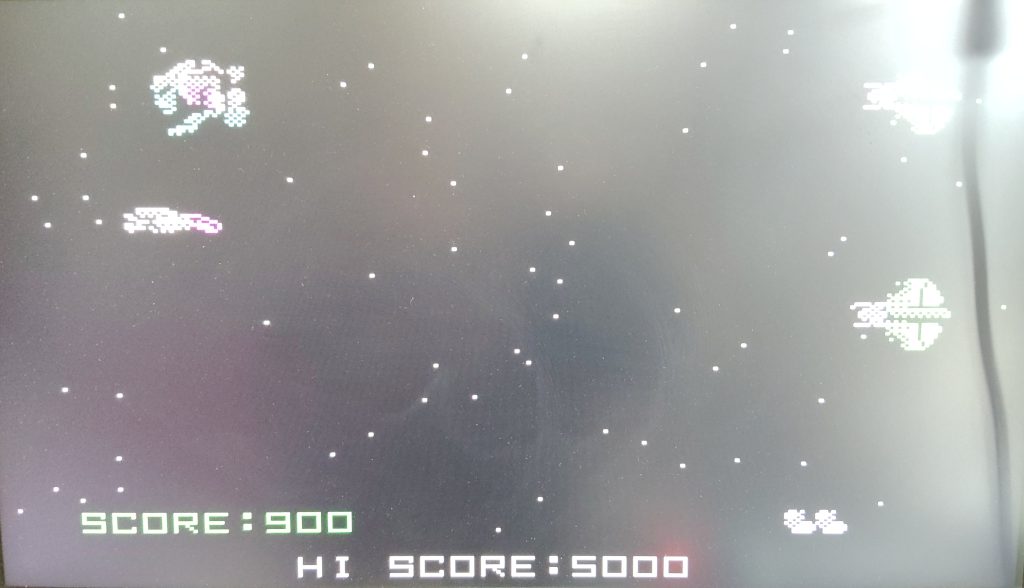
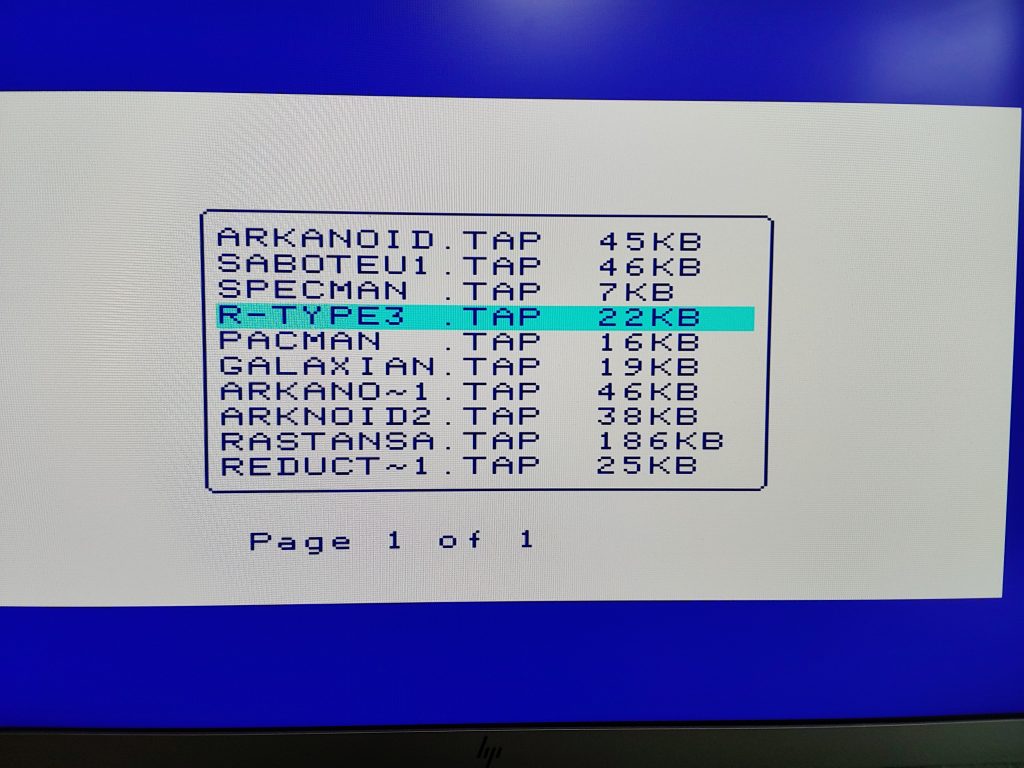
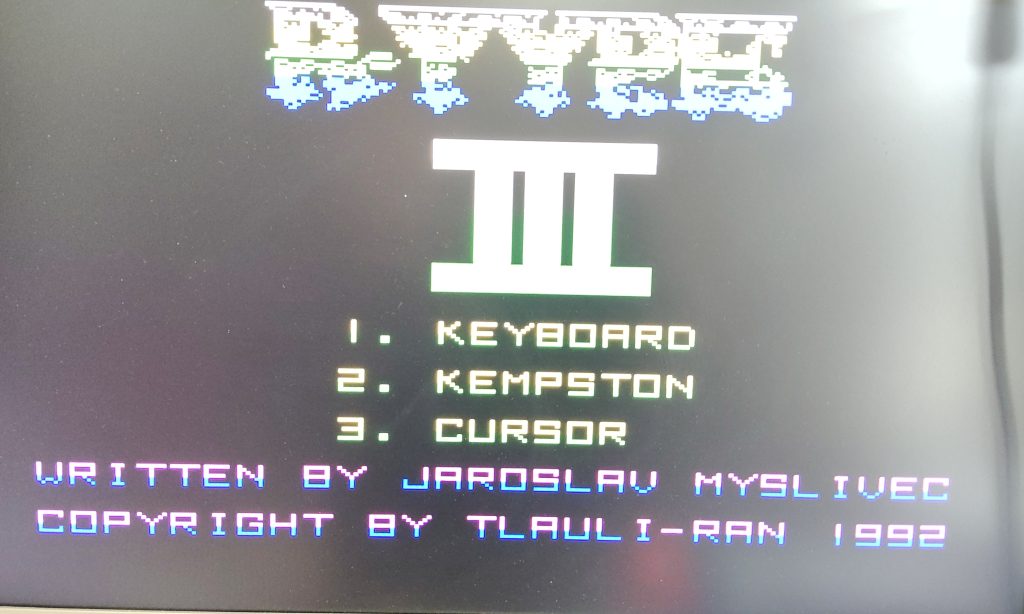

List working. You can invoke it with with F3 then after selection type load”” and it loads.
12/9/2026
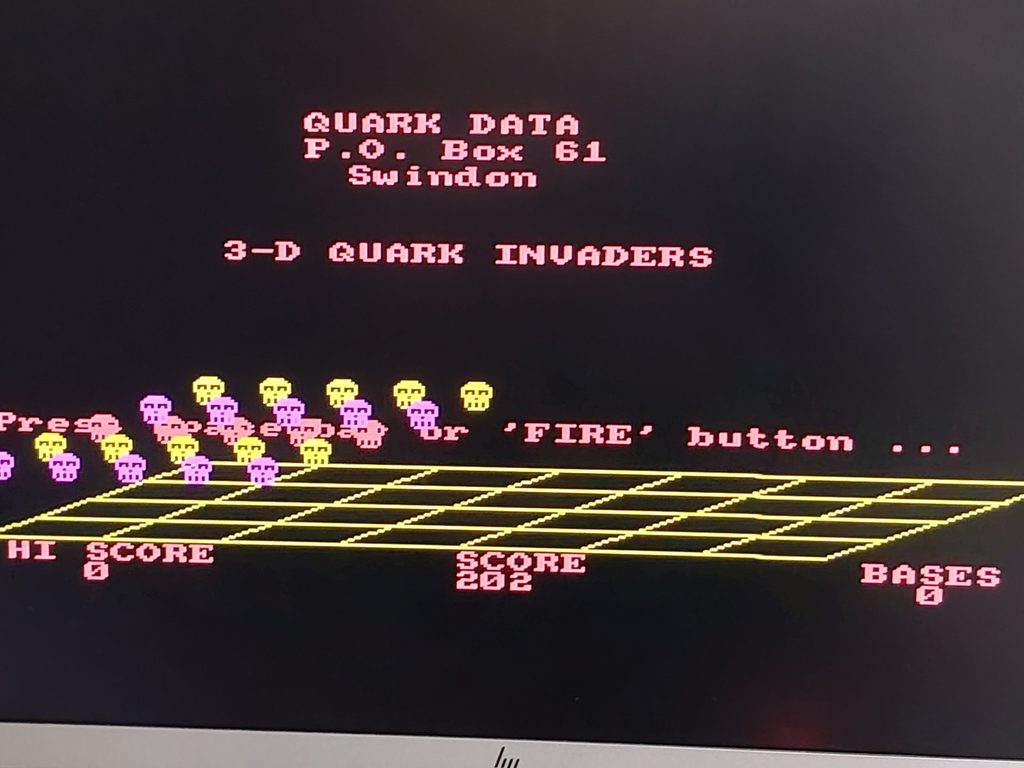
Amstrad loading is working finally. This one was quite difficult to implement.
10/10/2026
Although Amstrad loading works it does so for the normal loading that uses the rom, so any custom loading CDT file does not.
So i had no choice but to implement a cpu on the fpga i tried the built in on the gowin but those were too large (in LUTs) so i used the neoRV32 which is very small (~2000LUTs). I can control the UART(for debugging messages) and the I2C bus.
I will use this to implement the CDT loading on Amstrad. Also i am thinking to use this also for the Newbrain CP/M Disks and any other system that needs it.
The RV32 plus the I2C can be used for debugging too and also for displaying information on my LCD 20×4. Newbrain uses the first 2 lines so i can use lines 3 & 4.